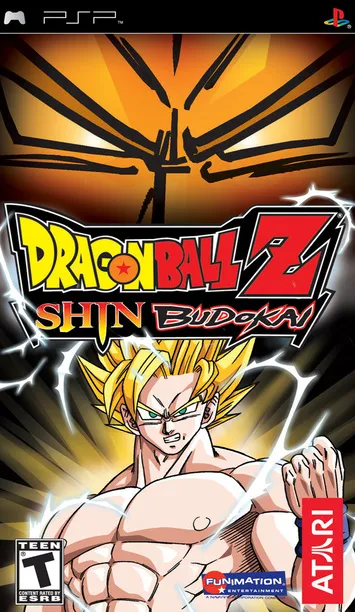
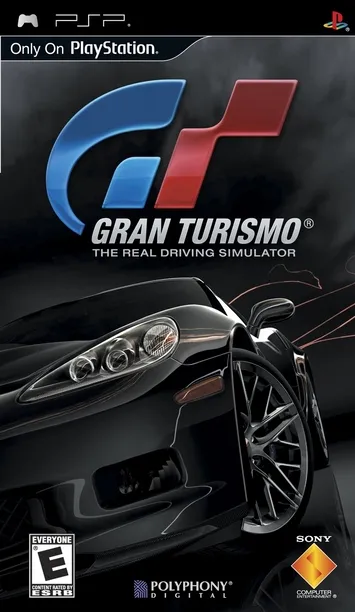
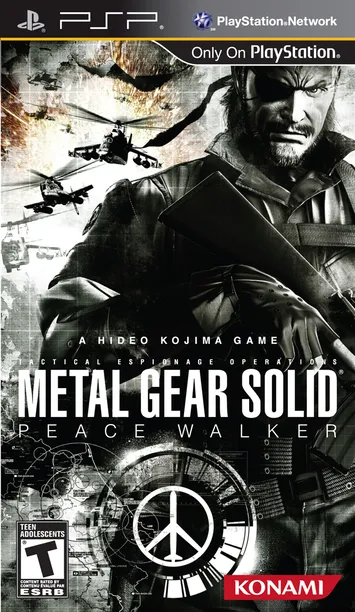
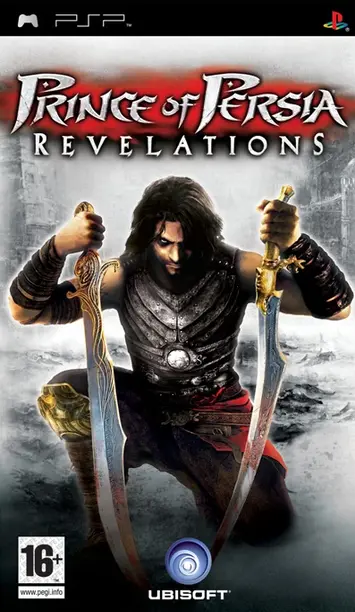
The Nyushu Emulator is a tool that lets you play Nintendo Switch games on your Android device. It’s a newer version of the Yuzu emulator, specially made for phones with lower graphics power. Even with less powerful hardware, it can run games smoothly at 90 to 120 FPS. It also helps reduce heating problems, making long gameplay sessions more comfortable.
Another option is the Suyu Emulator, an open-source program that supports Windows, Android, iOS, and Linux. It allows users to enjoy Nintendo Switch games on different platforms without needing the original console.
How to Download the Nyushu Emulator
Follow these easy steps to get the Nyushu Emulator:
- Go to the official Nyushu Emulator website.
- Scroll down to the Downloads section.
- Choose the version you want—getting the latest version is best for performance.
- Download the Nyushu APK file.
- Find the file on your device and follow the steps to install it.
- Once installed, you’re ready to start using it!
Frequently Asked Questions
What is the Nyushu Emulator?
Nyushu is a free app that lets you play Nintendo Switch games on Android and iOS. It’s still being developed, but it already supports many games. If you need support for more devices like Windows or Linux, you can try the Suyu emulator.
How does it work?
Nyushu works by imitating the Nintendo Switch system. After installing it on your device, you can load your own game files and start playing—no console needed. Windows and Linux versions are also in the works.
Is Nyushu legal to use?
Using the emulator itself is legal. However, using or sharing game files that you didn’t buy or legally own is not allowed. Always use game files that you’ve obtained legally.
What’s planned for the future?
The Nyushu team plans to keep improving the app. They aim to boost speed, add support for more games, and bring in new features based on feedback from users.